
Manage your Subscription/Cancel your Subscription
From the home screen, click into your Profile Icon > Account > Billing > Manage Subscription
You will see any invoices generated for your payments to TimeKeeper. You can access and download these invoices at any time.
You can make any changes to your current subscription.
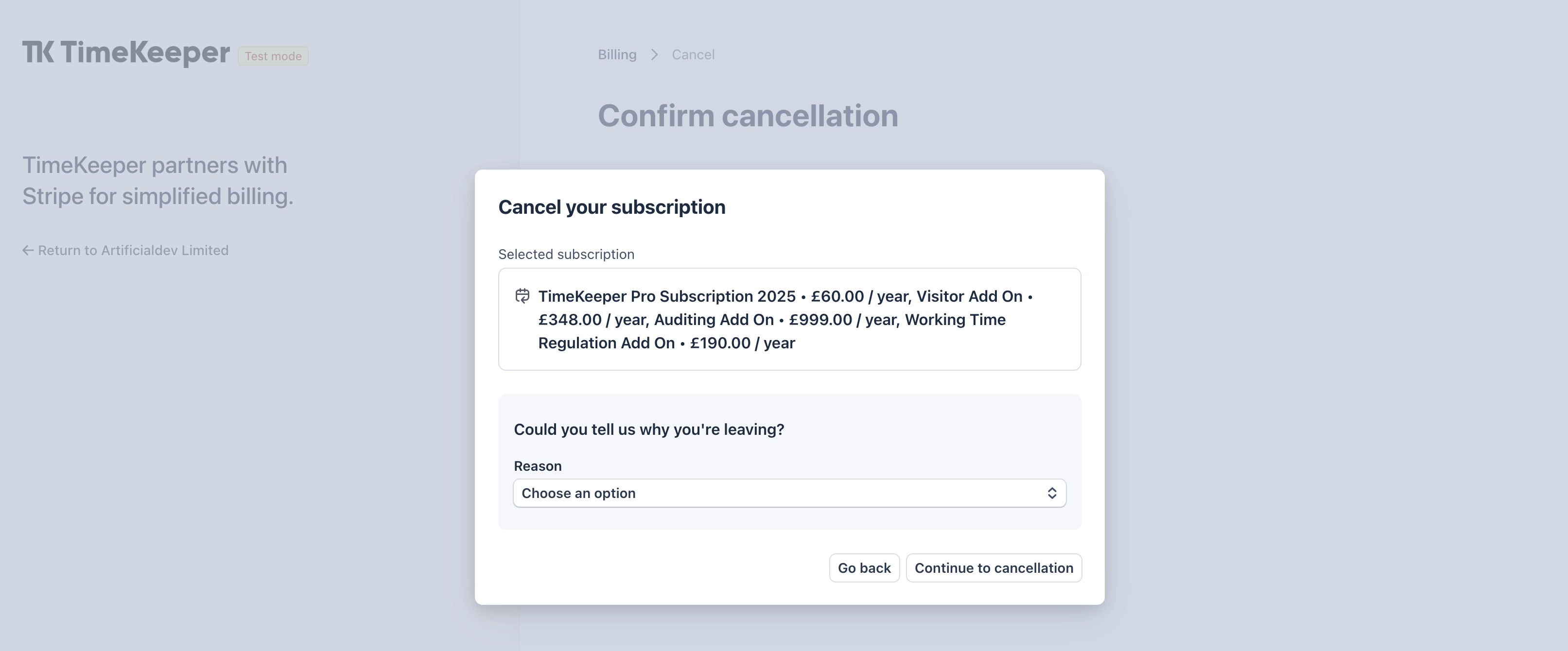
You can also cancel your subscription from this page -
Was this helpful?
Was this helpful?