
Time Off In Lieu
A common requirement is to make one-off adjustments to an employee’s leave entitlement. The best way to do this is by using the Time Off in Lieu feature to add or deduct days from their balance.
In the video below, we show you how to add leave as Time in Lieu and how to deduct leave using Time in Lieu. Any adjustment you make applies to the current leave year only. When the leave year ends, the Time Off in Lieu adjustment automatically expires, so it won’t affect next year’s entitlement.
This means you don’t need to manually change the employee’s core leave entitlement at the start of each new leave year.
Adding a Time In Lieu adjustment is straightforward:
Go to People > Directory
Open the employee’s profile by clicking on their name
Go to the Leave tab
Add an optional note and enter the Time In Lieu amount (e.g.
1to add 1 day,-1to deduct 1 day)Click Update on the employee – their remaining holiday balance will be adjusted by that amount
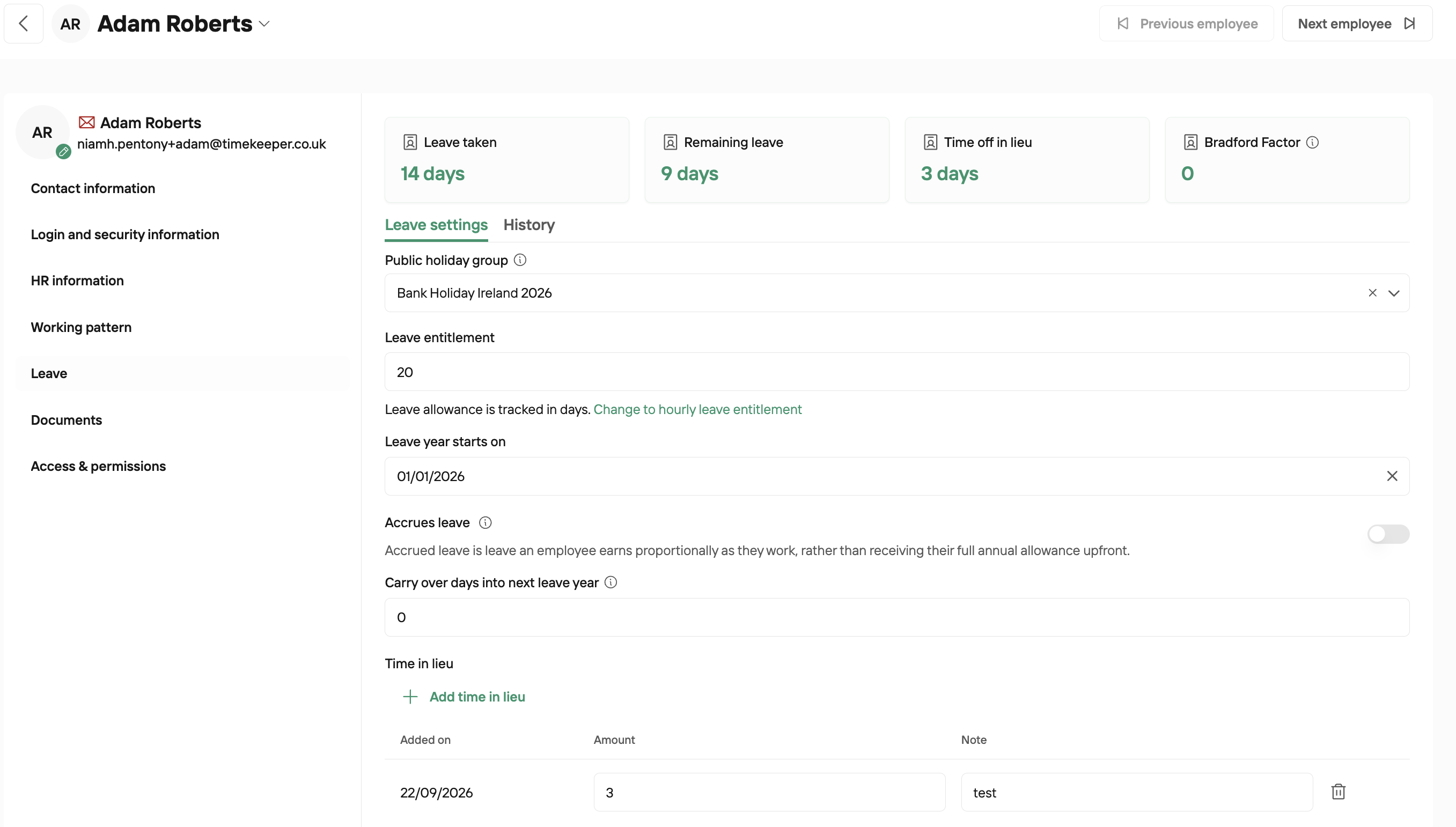
Note on TOIL: Time In Lieu will expire at the end of the current leave year and will be reset on leave rollover between years.