
Adding Requests on Behalf of Employee
An administrator also has the ability to view any approved employee request as well as add a new one directly to the system.
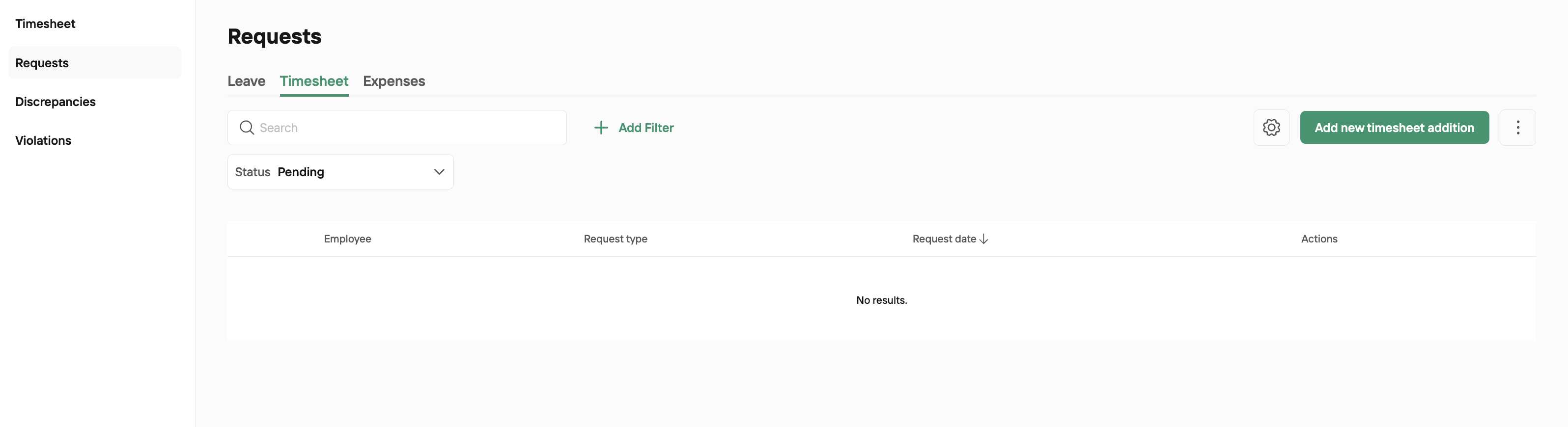
To add a request on behalf of an Employee, go to Timesheet > Request > and select if the request is Timesheet or Expense.
If you are looking to submit a leave request you need to go to Leave > Manage Leave and add from that window. More information can be found in
Click Add New Timesheet Addition
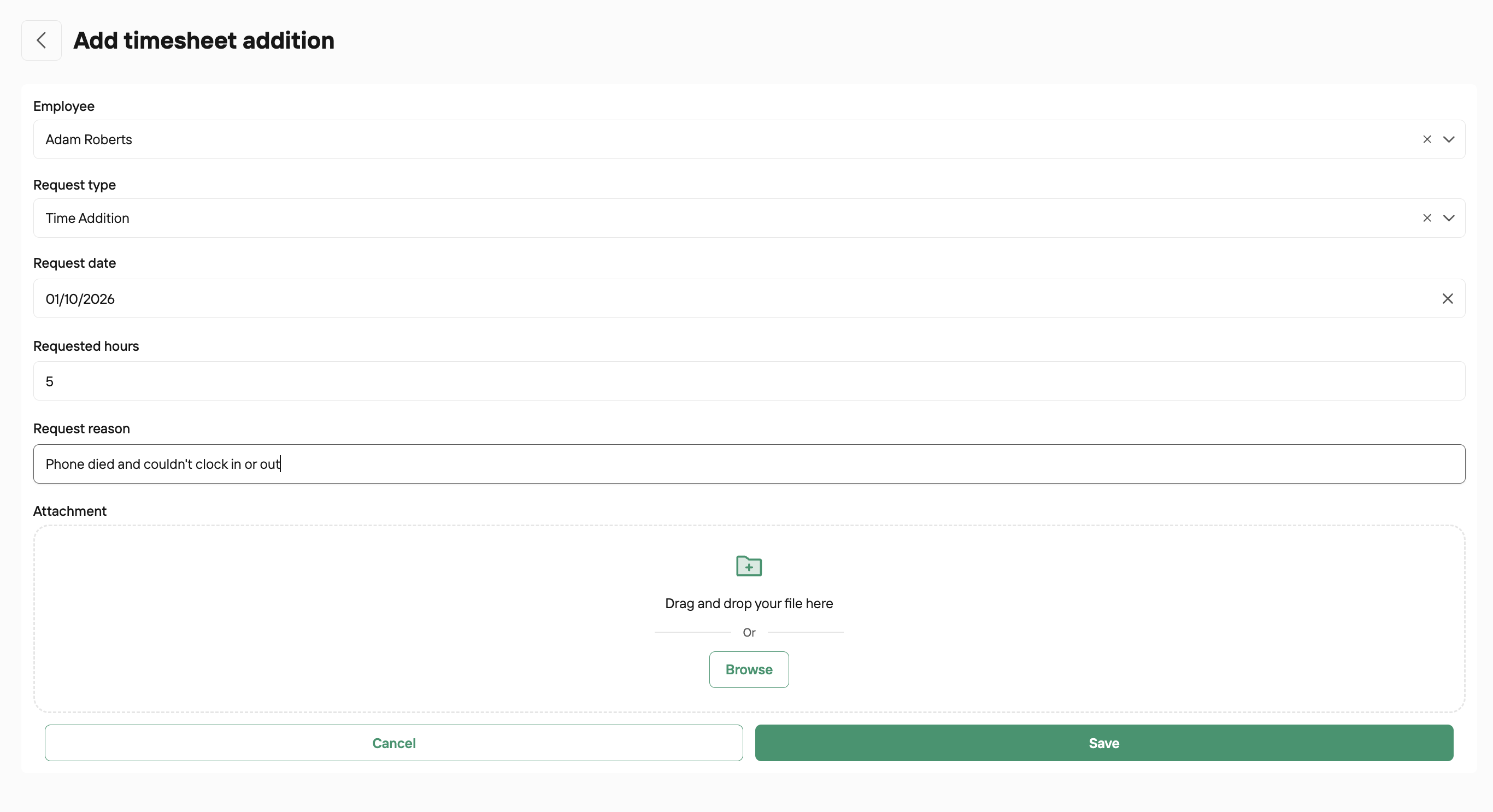
Complete as needed and Save
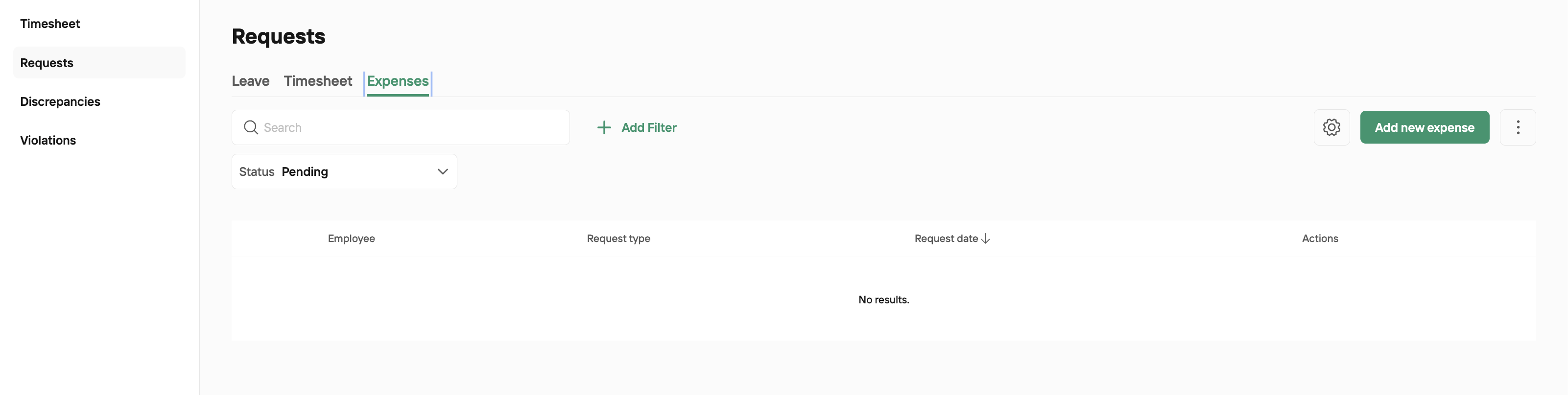
If an expense Request, click into Expenses and Add new
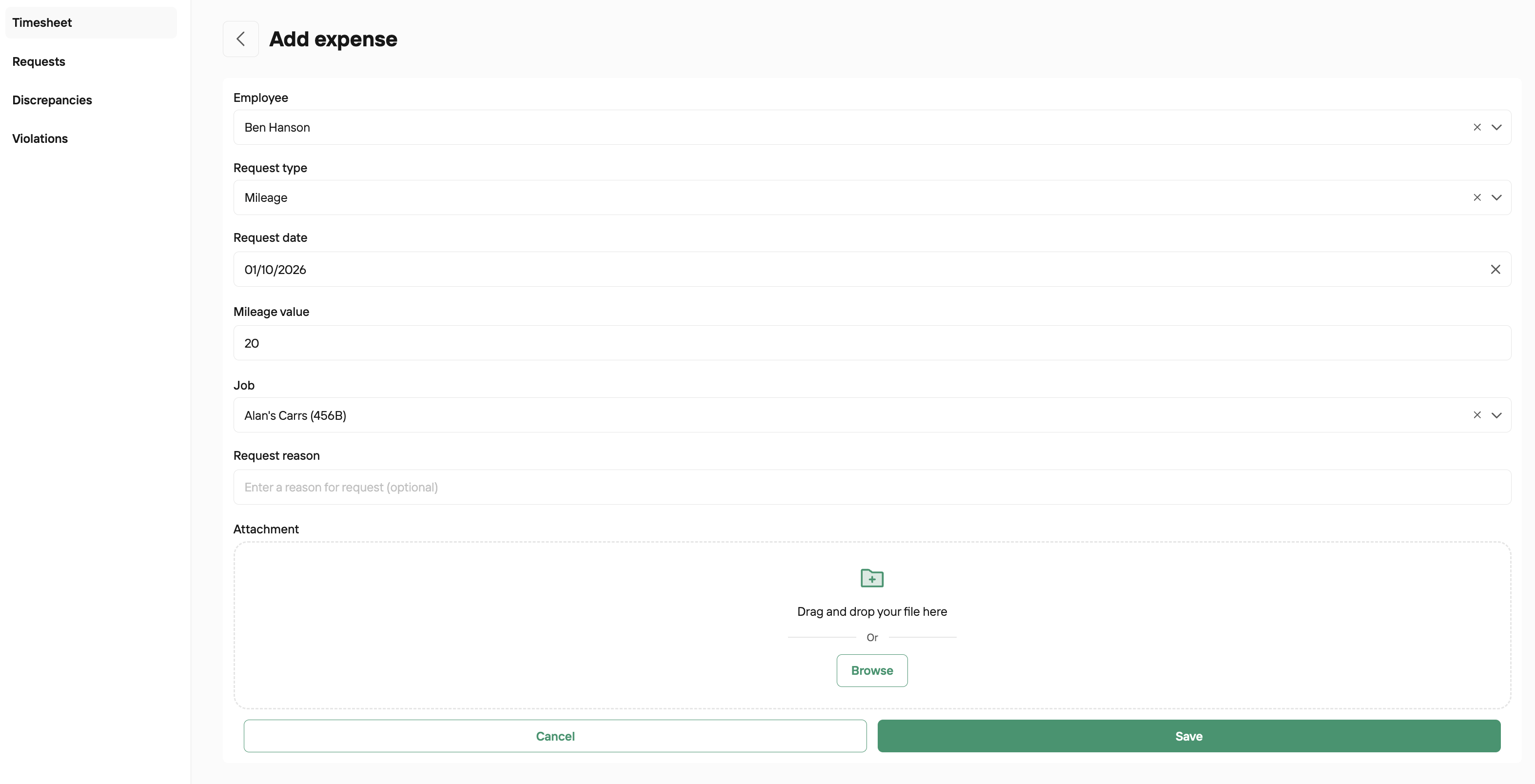
Complete as needed and Save
Was this helpful?
Was this helpful?