
Resolving Timesheet Approval Errors
Here is a link to - Using Timesheet Approvals
When managing timesheet approvals in TimeKeeper, you may occasionally encounter errors that prevent approvals from completing successfully. This guide will help you identify the most common issue and walk you through troubleshooting steps to resolve it efficiently.
Common Causes of Approval Errors
Missing or conflicting approval date range
Employees’ timesheets being already approved
Timesheet approvals can be processed daily, weekly, or monthly, depending on how your approval workflow is configured.
Sometimes you might see a yellow triangle warning sign by an employees name -
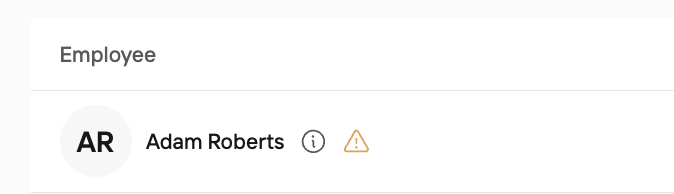
For this example, I am trying to approve the date range from 01/09/26 - 08/09/26.
If I hover over the warning sign, this is what I can see -
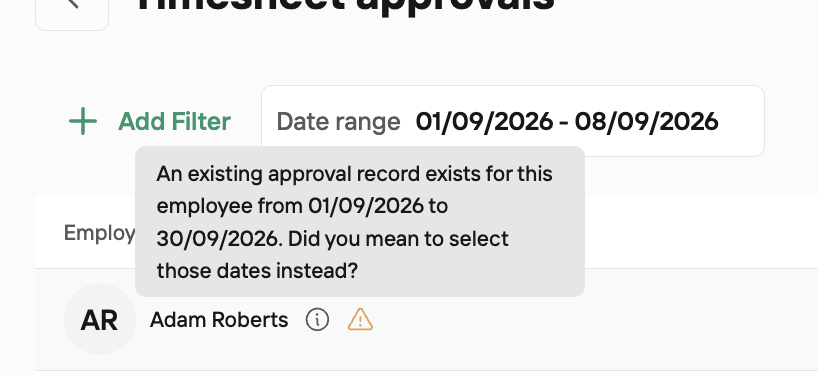
So it's telling me there is a conflict with the date range I am looking to approve as some of the dates have already been approved. 01/09/26 - 10/09/26
We have two options here, either we can adjust our date range to 01/09/26 - 30/09/26 and just approve the dates, or we can reject the existing approval record and reapprove for the 1 week we want instead of the month.
To reject the current approval record we adjust our date range to 01/09/26 - 30/09/26 and rerun the report.
Then we hit Reject.

Once you hit reject, a reason box will pop up so you can add the details. This reason will be shared with the staff member -
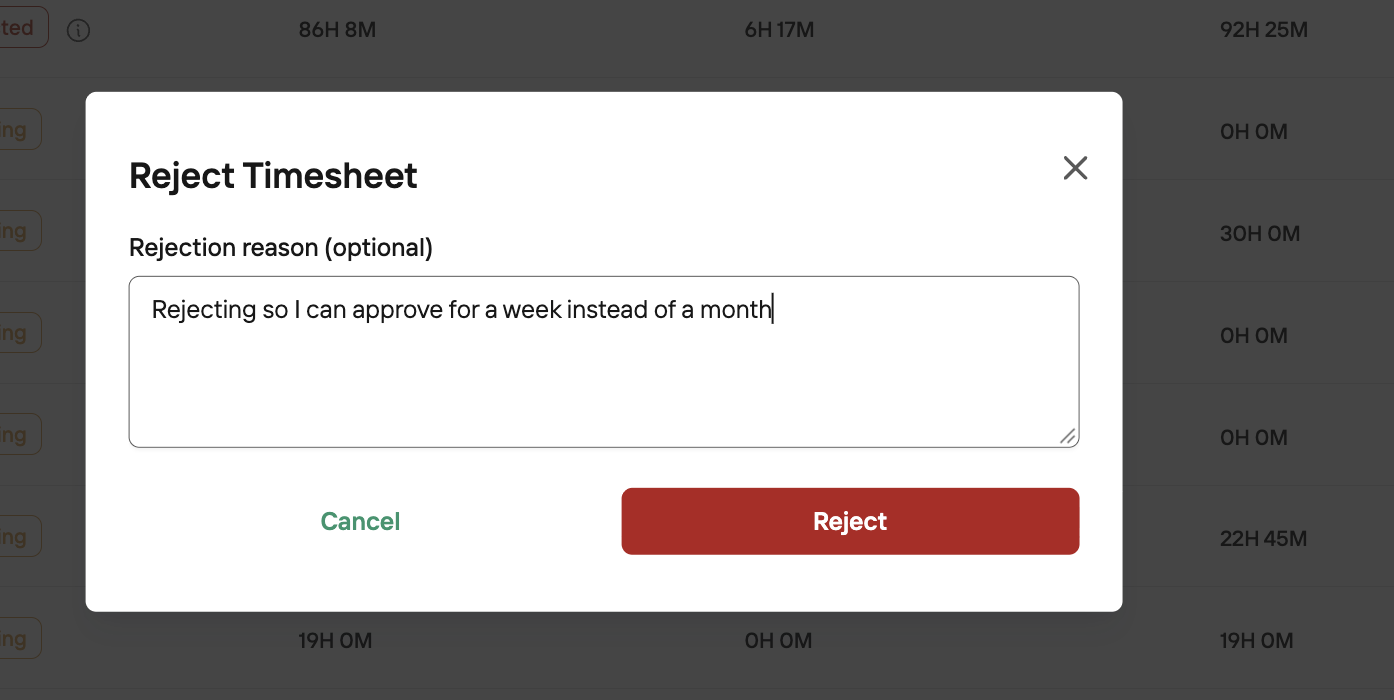
Now we simply rerun the report for the date rate we want - 01/09/26 - 08/09/26. You will note that the yellow error message is no longer appearing.

And hit approve.
If this is level 1 approval, your screen will look like this

If it's the final level of approval, your screen will look like this -

Additional Help
If you continue to experience issues after following these steps, please contact TimeKeeper Support with the following information:
The affected employee(s) and date range
Screenshots of the error messages received
A summary of actions already taken to troubleshoot
You can reach us via:
Live chat on the TimeKeeper website
Email: [email protected]