
24. Job Directory - NP add to add screenshot on how to unmark as complete
NEW VIDEO
The job directory shows all of the open jobs in the business. For each job, you can see the job name, job number and current status.
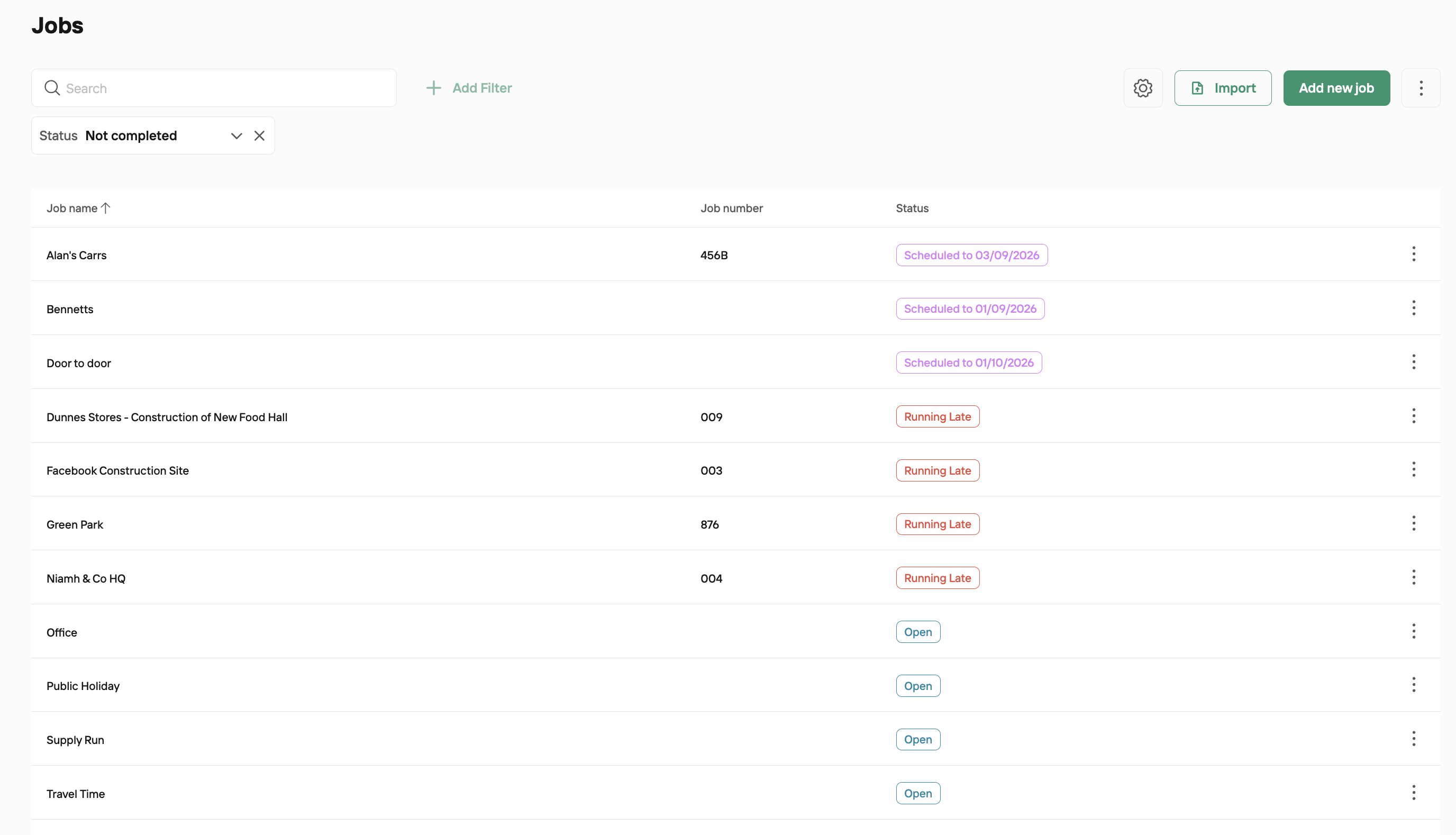
If a job is behind it’s expected end date, it will show as running late.
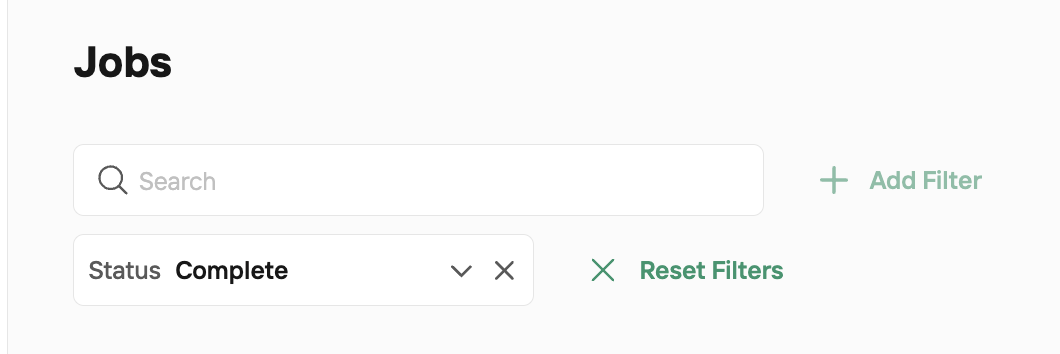
To show completed jobs, filter your status to 'Complete'
To mark a job as complete, click the 3 dots to the right of the job itself and click 'Mark as Complete'. This job will no longer appear of a job option on the app for staff to clock in to.
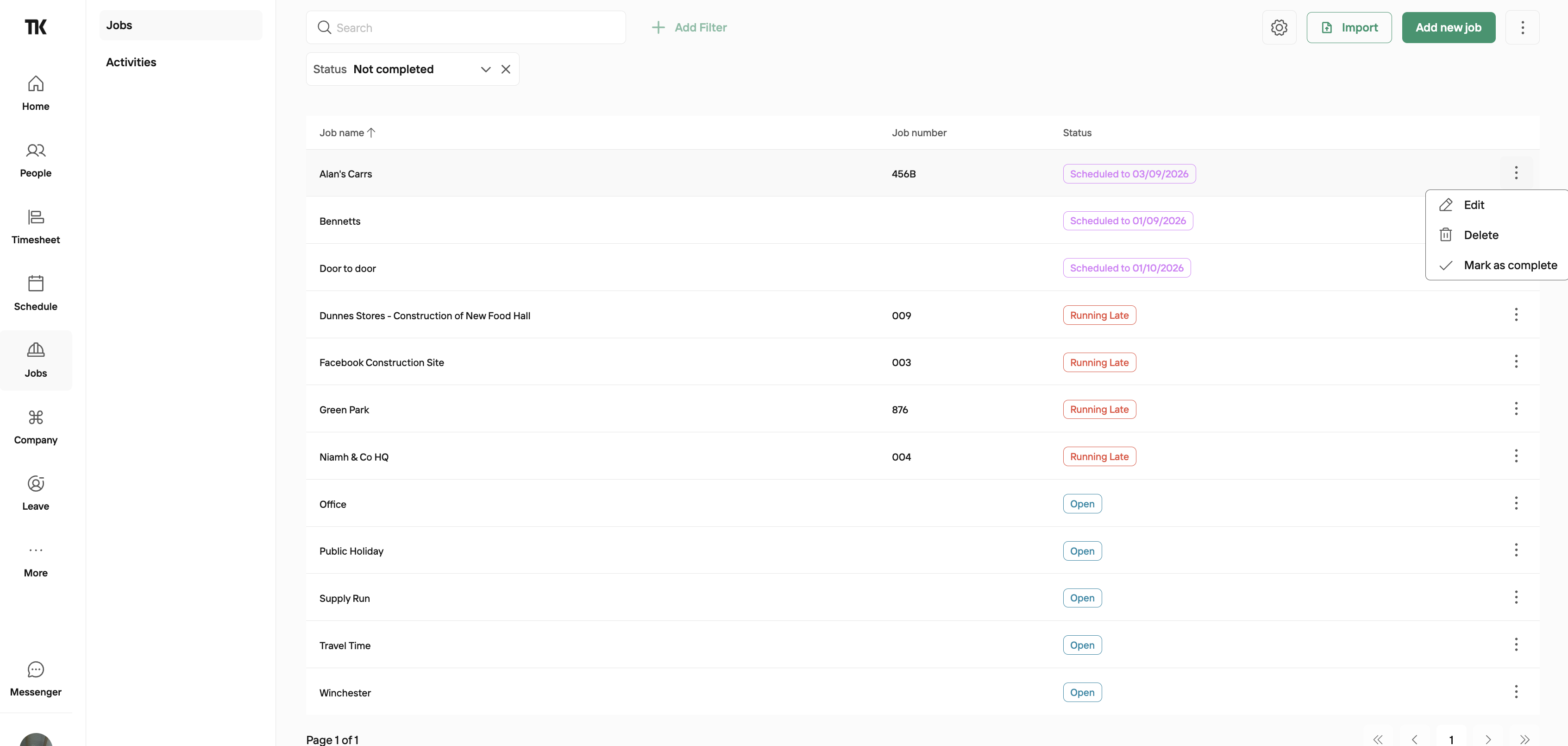
Alternatively, you can delete a job if you want to remove it's data from the system entirely. Deleting a job will erase all associated information, including any staff time entries and hours worked.
We generally recommend marking a job as complete rather than deleting it, in case you ever need to refer back to the data in future.
You can also search by job name via the search bar.