
Global Settings
You will find all your Global settings by going to More > Settings.
The tab available are:
General Setting
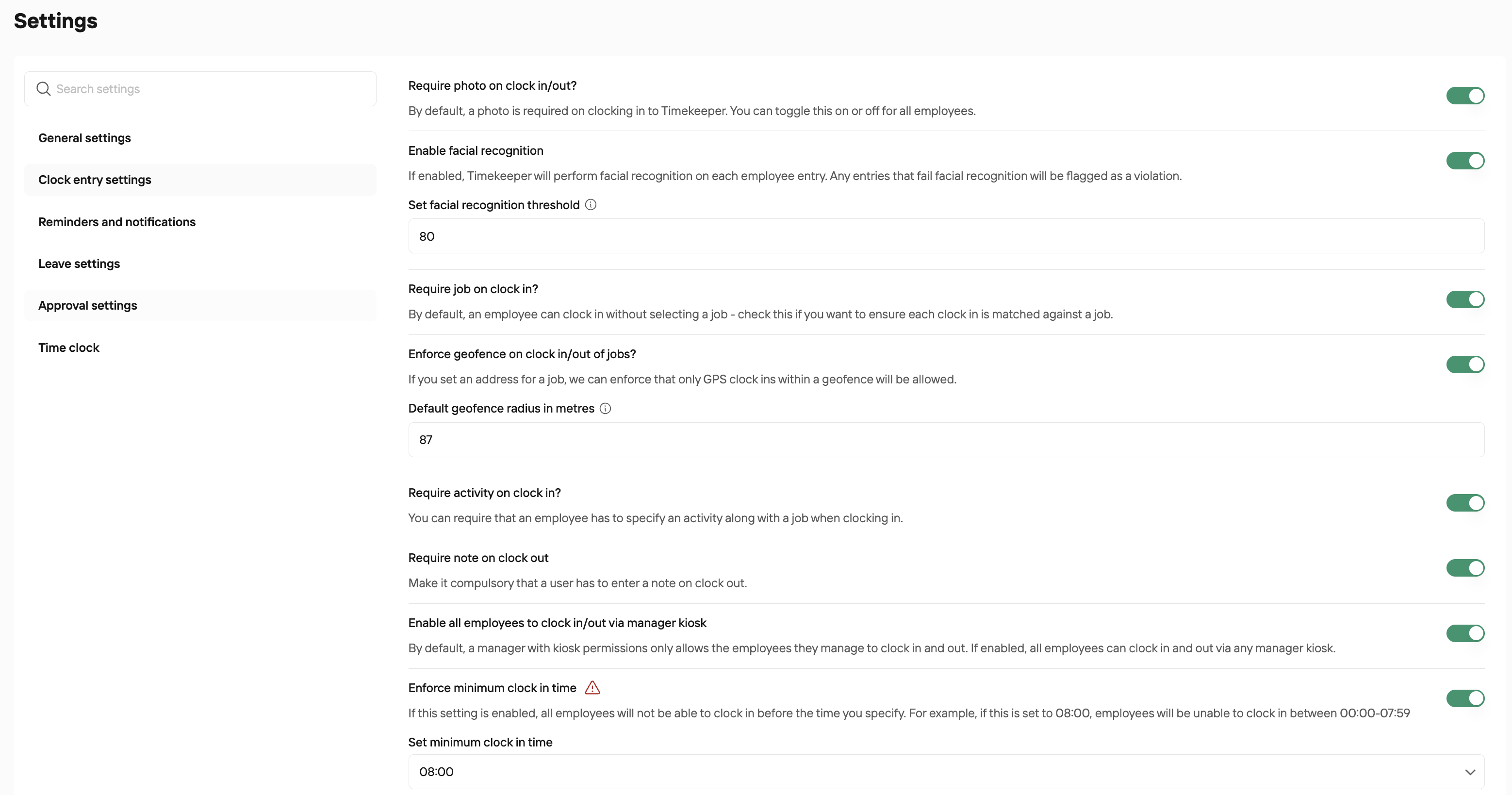
Clock Entry Settings
Reminder and Notifications - to learn more, please read THIS GUIDE
Leave Settings - to learn more, please read THIS GUIDE
Approval Settings - to learn more, please read THIS GUIDE
Time Clock - to learn more, please read THIS GUIDE
General Settings
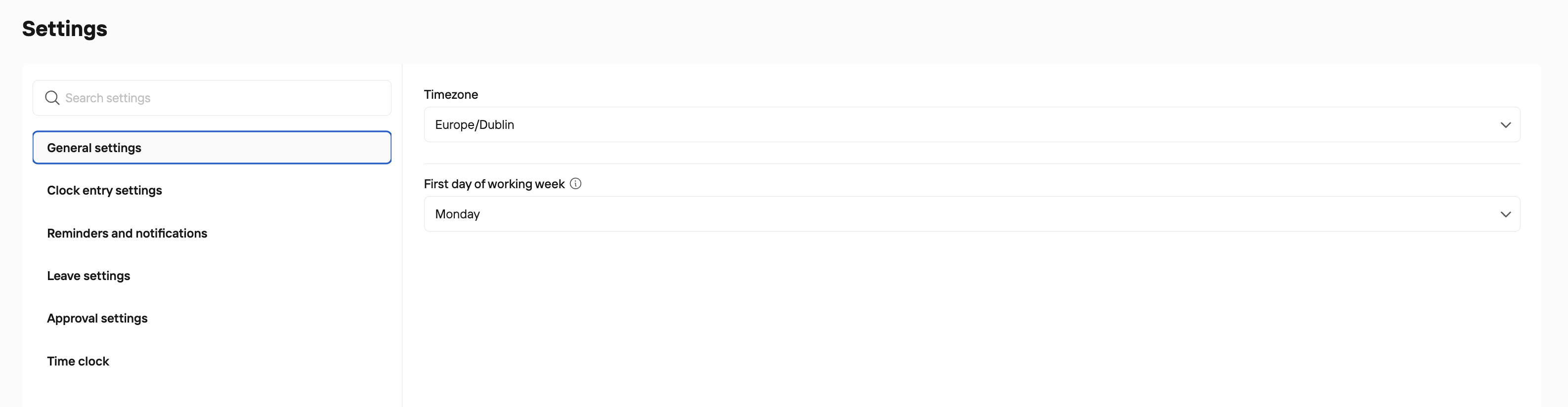
Here, you can set your Timezone and also the day of the week your work week starts. So if you set it as Monday, the timesheets, the rota, the job scheduler will all start on a Monday. Likewise if you start your work work on a Sunday.
Clock Entry Settings
Was this helpful?
Was this helpful?