
Minimum Clock-in Time
You now have the option to enable a Minimum Clock In Time in the global settings of your TimeKeeper account.
Under More > Settings > Clock Entry Settings, you can select 'Enforce Minimum Clock in Time'.
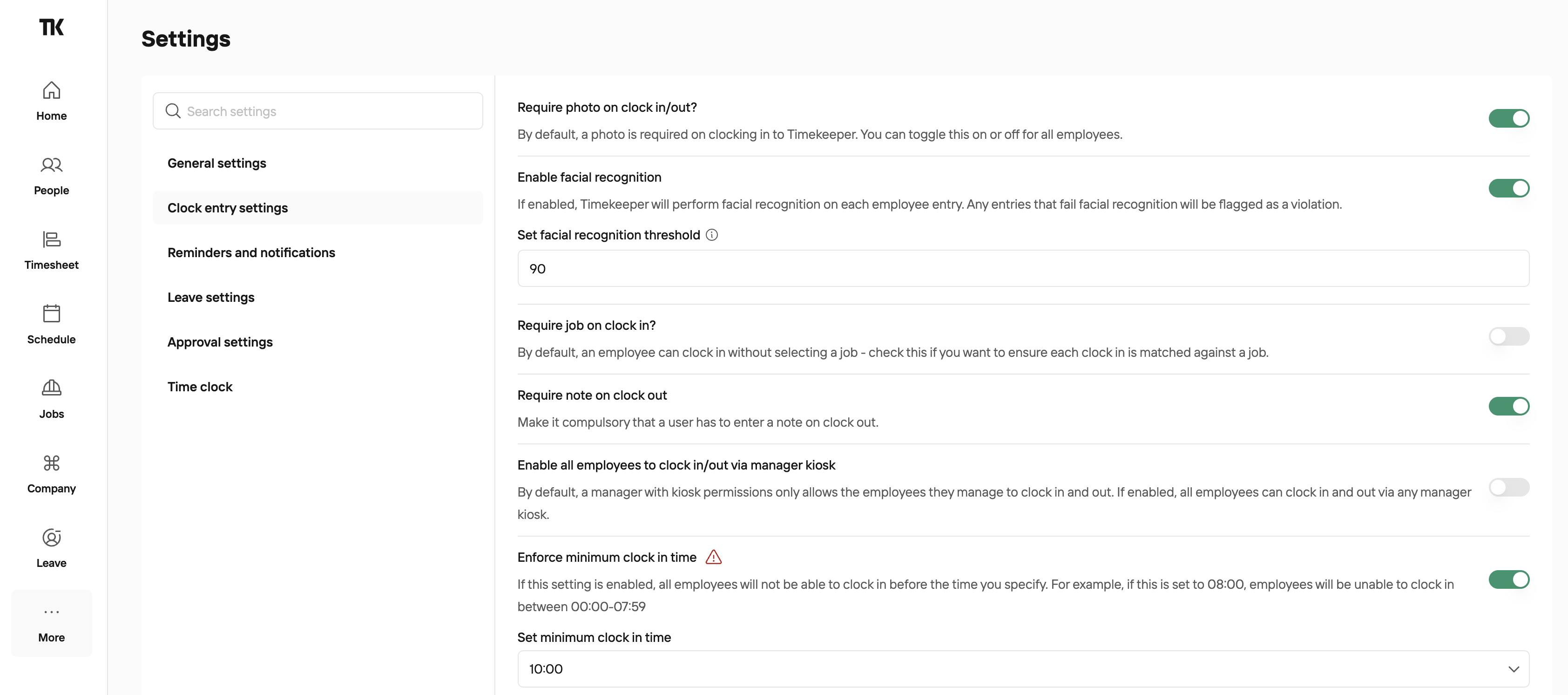
If the minimum clock in time was 10:00 and an employee tried to clock in at 09:45, this function would prevent them from clocking in and the following message would appear-

Was this helpful?
Was this helpful?