
Staff Timesheet Preview Report
To find the Staff Timesheet Preview Report go to More > Reports > Time and Attendance > Staff Timesheet and under Export Format select Timekeeper Preview.
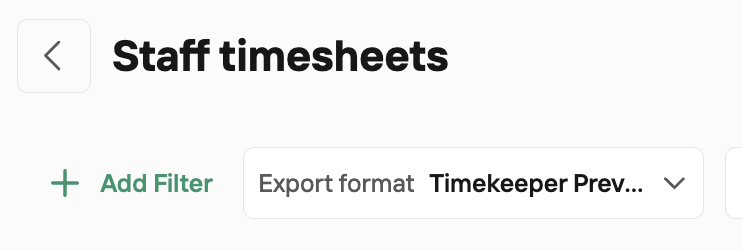
The TimeKeeper Staff Timesheet – Preview report is the on‑screen summary of staff hours in the web portal.
Key points:
Where it lives: Under the Staff Timesheet report options in TimeKeeper.
What it shows:
Total hours for each employee in the selected date range
Breakdowns such as regular hours, overtime, leave hours, etc.
These totals already have your overtime rules and rounding rules applied.
Drill‑down view:
If you click on an employee’s row, you open the editor view for that employee.
In the editor, you see a day‑by‑day breakdown with actual (unrounded) time entries.
Exporting:
The Preview itself cannot be exported; it’s purely a web summary.
If you need an export, you’d use one of the other Staff Timesheet formats (e.g. TimeKeeper Excel, Moneysoft/Sage/BrightPay exports, or Rolling Hours).