
Forgot your Password
If you have forgotten your password, then you can get a password reset email or text sent to your account.
On the app screen, click 'Forgot Your Password'
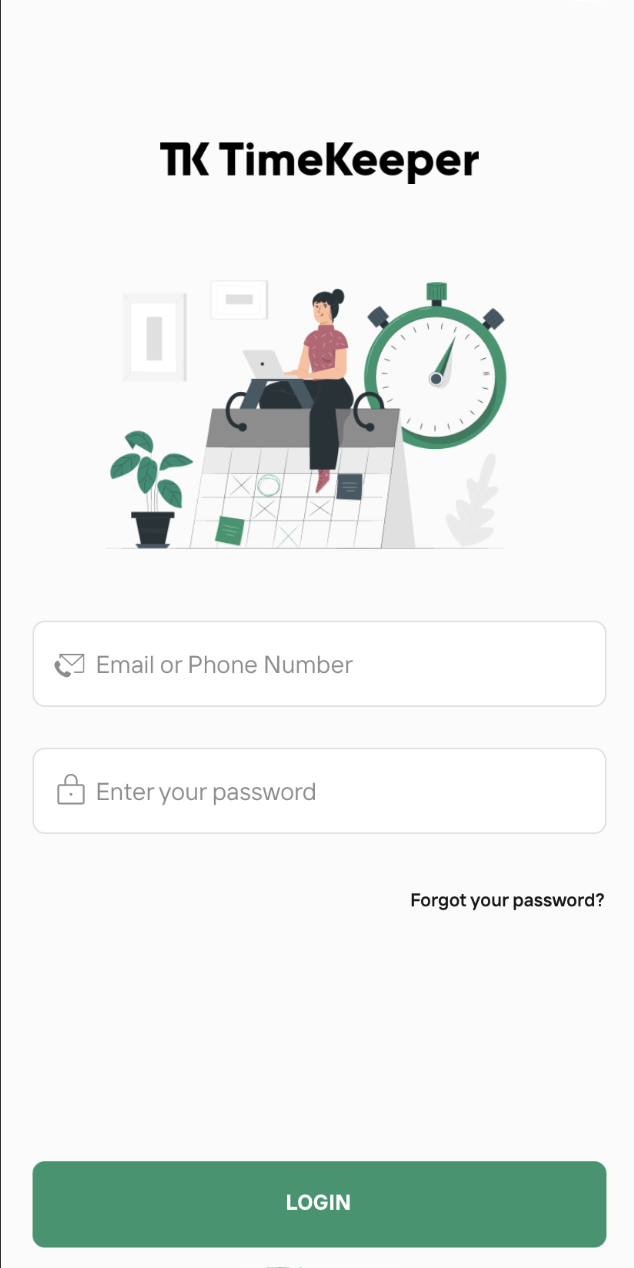
From there, your screen will change to this
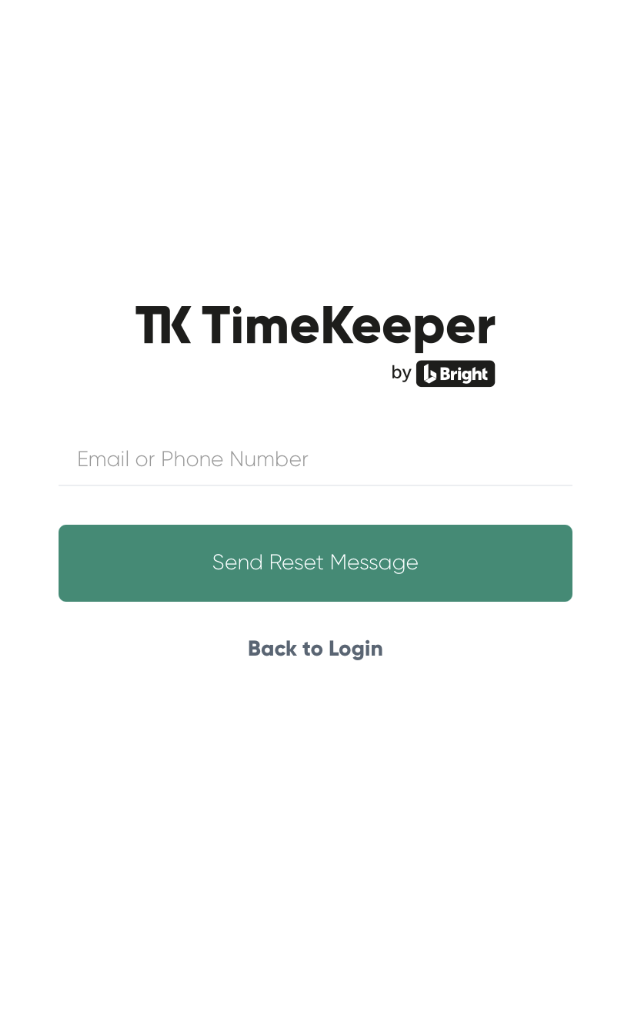
Enter your email or mobile number.
The text will have a link and your email will look like this -
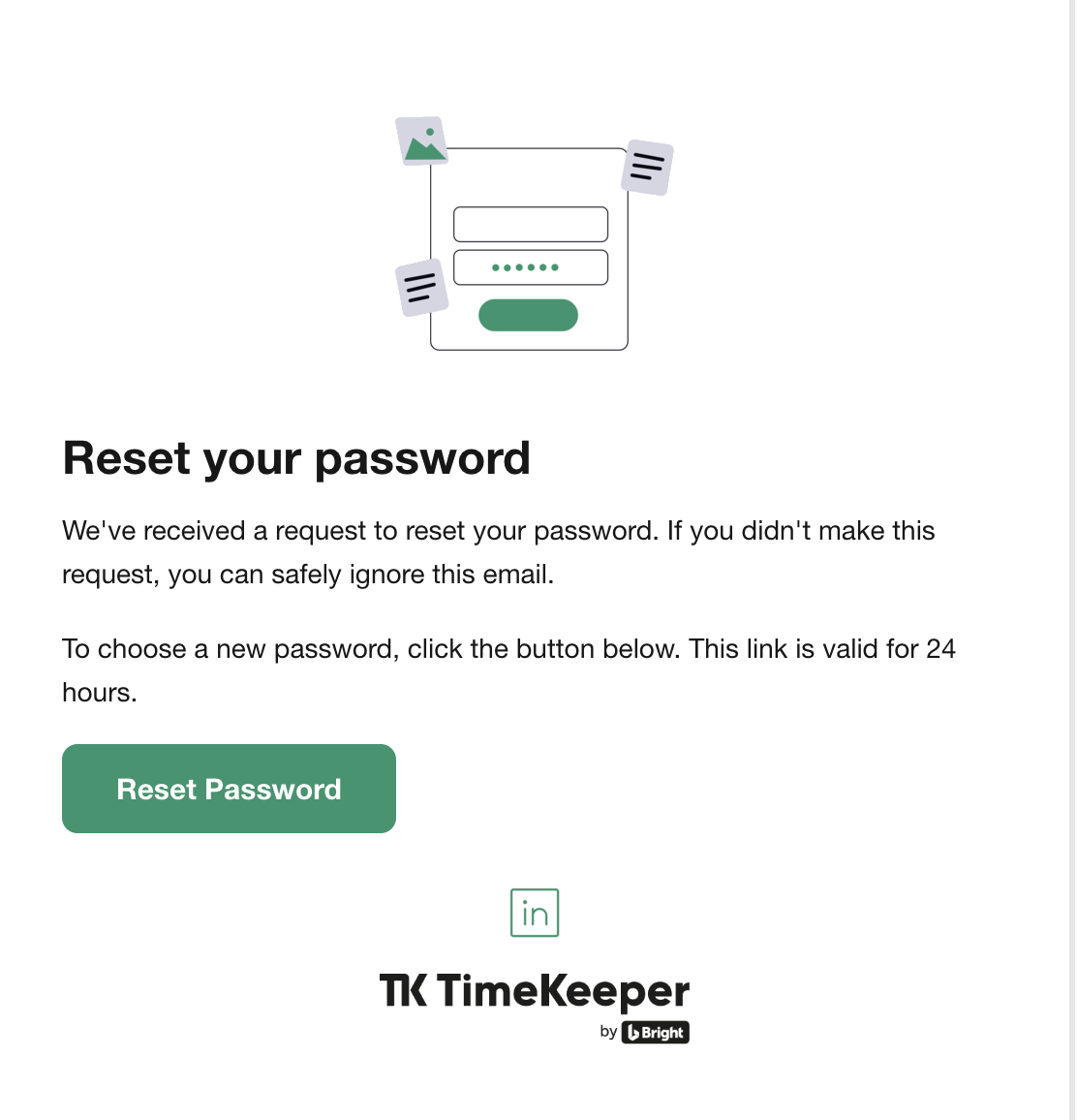
Click reset password and your screen will look like this
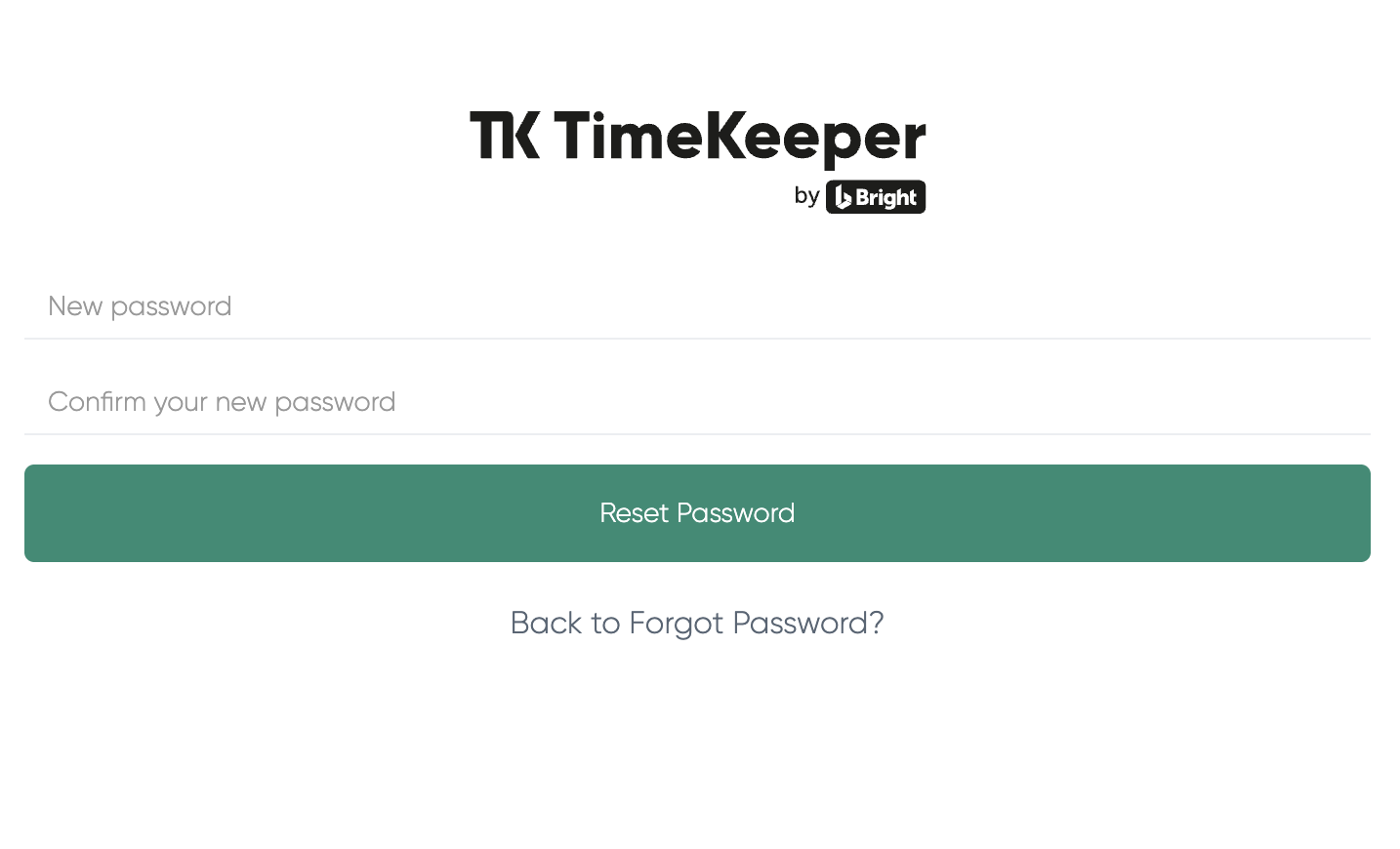
Create a password that is at least 12 characters long and made up of a random combination of letters, numbers and symbols (for example: YachtGarden*84$). Common or predictable patterns like 123 or ABC are not allowed.
Using a password generator such as https://www.lastpass.com/ can be helpful.
Once done, you can sign in to the app using your email address and mobile number and the password just created.
An admin can also change the password on an employees behalf.