
Inviting an Employee
Inviting an employee to set up an account
Once you’ve created an employee profile, Timekeeper will automatically send them an invitation via email (or via text if only a mobile number is provided) asking them to create a password for their account. This invite also includes their 4-digit PIN for kiosk clock-in.
The invitation is titled “Welcome to Timekeeper”, and the email will look like this:
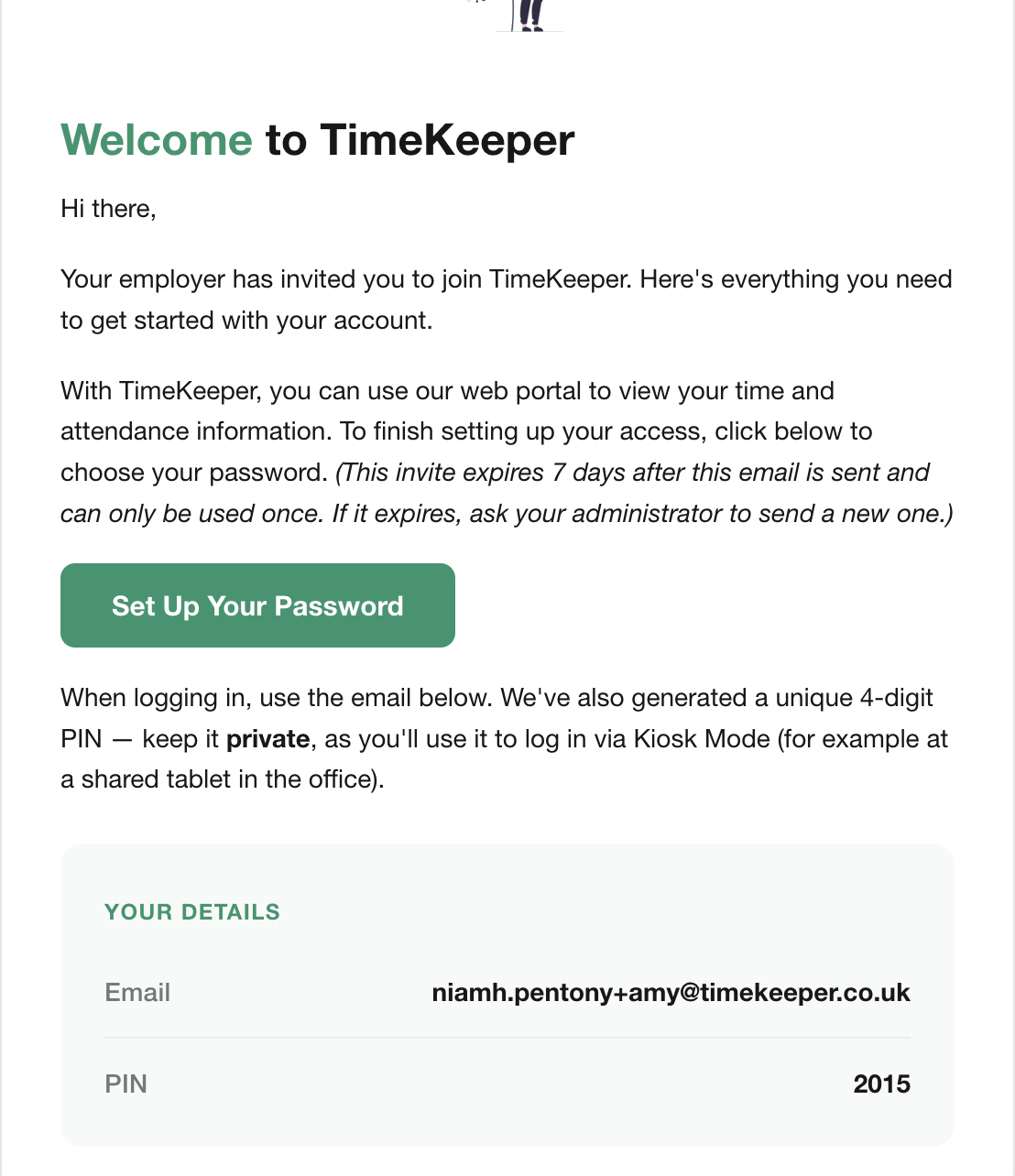
The employee needs to click Set Up Your Password and then the screen will change to this
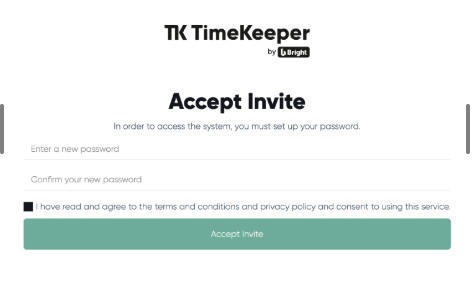
The employee must create a password that is at least 12 characters long and made up of a random combination of letters, numbers and symbols (for example: YachtGarden*84$). Common or predictable patterns like 123 or ABC are not allowed.
Using a password generator such as https://www.lastpass.com/ can be helpful.
It’s important that employees tick the T&Cs checkbox so their profile is fully activated. Once completed, they can sign in using the email address and password they’ve just set up.
If the employee receives a text invite instead of an email, they should tap the link in the text to create their password. After that, they can sign in to the app using their mobile number and the password they created.
Resending an Invite
This invite link is only valid for 7 days - if an employee forgets to set up their account during this time, the admin need to resend the invite by clicking the red envelope next to their name in the Employee Directory.
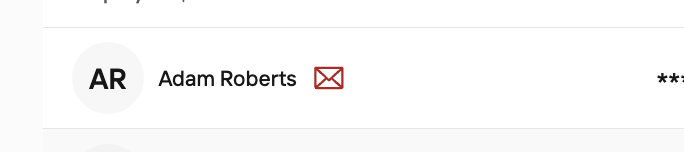
No red envelope? This employee has already activated their account - they may just need to reset their password here.
If your employee is still having trouble resetting their password, an admin can do this for them in their employee profile.
Inviting an employee to download the app
If your employee has activated their account already, but needs to re-download the app for any reason (for example, they're using a new mobile device), they can download the TimeKeeper app from the App Store on their device.
You don't need to send another invite for them to do this - you can just send them this link https://tmkpr.link.app or direct them here (App Store for Apple devices) or here (Google Play Store).